Learn the best techniques used by Dani Lozano to create high quality F1 edits and videos. In the video playlist that is just below you can see, using real examples of edits created by Dani how he explains video editing concepts as color grading, visual storytelling, juxtaposition, jump cut, fast cut to improve his Formula One videos and to reach the next level to create cinematic F1 edits and epic Formula One videos.
11 YEARS MAKING FORMULA ONE DOCUMENTARIES AND EDITS
As an independent video-editor I’ve learnt a lot during all these years making F1 edits, videos and documentaries. Thanks to the uncountable hours working in front of the monitor editing, correcting color, creating video effects for my F1 videos now I can explain all knowledge acquired to people who is interested into make videos or to learn about video-editing.
From basic techniques (How to make transitions, fast cut editing or Edit to Beat) to more advance techniques to become a pro video editor (Juxtaposition for Formula 1 videos, Visual Storytelling or Jump Cut Editing) I’m the only person on internet that explains video editing concepts for Formula One videos based on my own experience as a video editor specialized in F1. It doesn’t matter the kind of F1 edits you are trying to make (Cinematic, Epic, Aesthetic, Highlights, Compilation, Funny, Cold, Hot, Movie, Music) In my videos you will learn all you need to know to edit your audios and F1 videos to level up the quality and the perception your viewers have on your work as a video editor. In addition I explain what you need to do to produce viral F1 edits on YouTube based on my experience as a Youtuber, including the metrics you need to know to understand if your edits will be popular or not.
By the other hand, I will help you in terms of mindset to get confidence on yourself as a video editor and how to overcome fears and obstacles that are limiting your potential as a Formula 1 video editor. To create is necessary to be in peace with yourself, that’s why I will explain my experience and tips to increase my confidence. At the end of the day, I want to help people to create better Formula 1 videos and edits because I love Formula One. My mission is to share my passion and my knowledge about what I love, in that way, to create a better world around, that’s the goal.
Reason why ASTON MARTIN F1 Videos looks SO GREEN | Video Editing Color Correction *Explained

Aston Martin Aramco Formula One Team have a very strong brand color identity in racing: Green. In this video let’s watch some examples and ideas to explain how this F1 team works video editing and how they change colors using the color grading and color correction techniques to create awesome effects in their videos and clips.
EDITING TRICKS used in Formula 1 DRIVE to SURVIVE trailers | F1 Netflix Edits Analysis
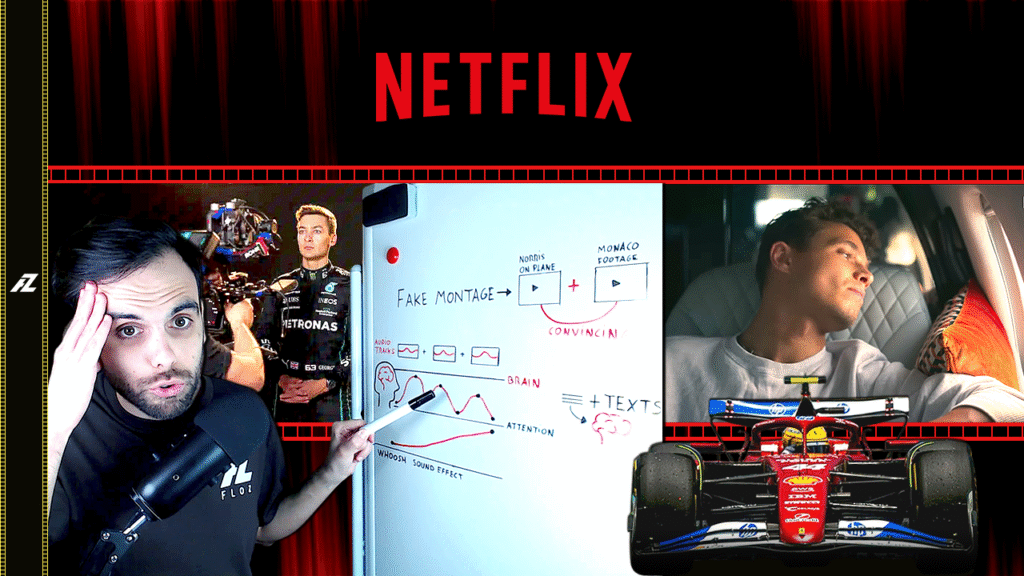
Drive to Survive is one of the most popular series on Netflix actually about the Formula One world. In the next days the season 6 will be released, but previously the Netflix guys have released the official trailer. Let’s take that opportunity to make an interesting trailer analysis, explaining the techniques the Netflix editors have made.
The Best AUDIO TRICK for your F1 EDITS and Sounds | J-CUTS for Formula One Videos
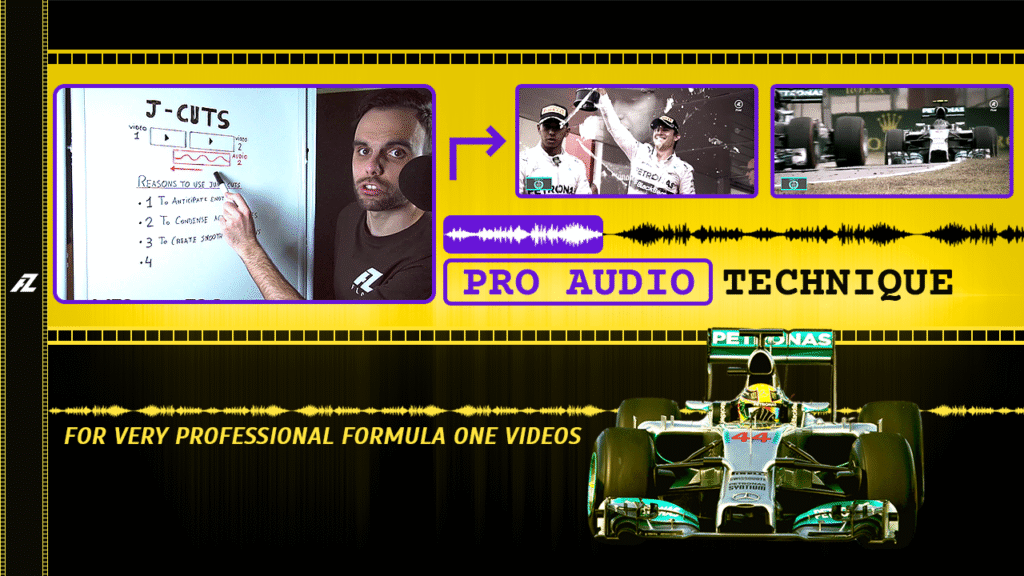
In this video you will understand what is a J-Cut in audio editing and how to use them for your videos. In addition I will show you how I used this technique explaining five real examples using my Formula One documentary: Origins of the Silver War F1 2014 – Nico Rosberg vs Lewis Hamilton.
This AUDIO TRICK will Make your F1 EDITS Instantly Professional | L-CUTS for Formula One Videos
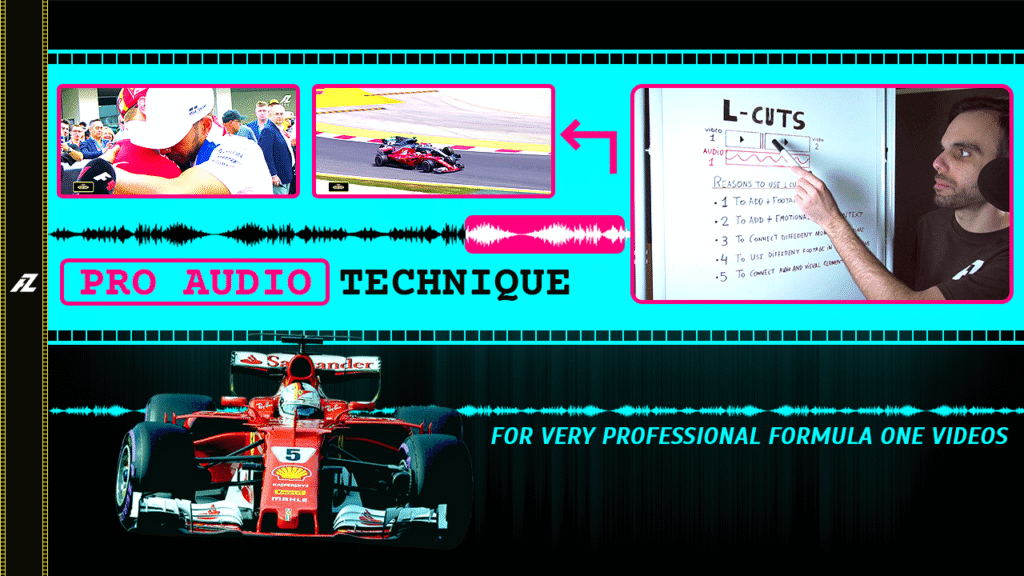
In this video you will understand what is a L-Cut in audio editing and how to use them for editing your videos. In addition I will show you how I used this technique in my Formula One documentary: Silver vs Red F1 2017 – Sebastian Vettel vs Lewis Hamilton.
AVOID Corruption: Digital Folder Organization to make a Formula One Documentary (Files Management)

I will show you one of the best methods to organize all your files and footage for a big project in terms of video editing like a film, movie or documentary, improving your workflow structure and gaining speed in the process. I will use as example my workflow structure for my Formula One documentary: Transition to The Silver War F1 2015.
My SECRETS to Make GOOD F1 EDITS for YouTube | Montage + Music + Storytelling Tips in my Videos
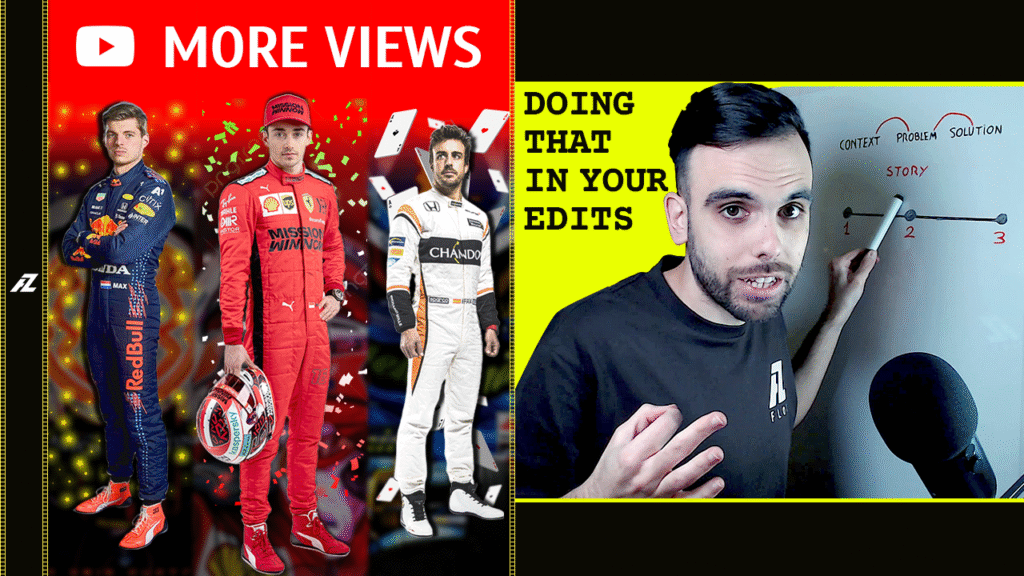
Revealing the editing techniques I’ve used in my Formula One video edits to reach Million of views on YouTube. In this video I will analyze three of my most watched F1 edits sharing the tips I used in the montage process, music selection and storytelling building to create very good video edits in terms of visuals and in terms of emotions.
Be a Pro creating CINEMATIC F1 EDITS understanding Visual Storytelling for Formula 1 Videos

Explaining the Visual Storytelling video examples I’ve made in some of my most popular Formula One edits. In this video you will be able to understand what is storytelling and how to create a good visual storytelling video using very basic editing techniques.
How to Make EPIC F1 EDITS with MUSIC SYNC | How to Edit to the Beat in Formula 1 Videos

I’ll show and explain you how to edit to the beat and how to cut to the beat to ensure your F1 edits fits with your chosen song. In addition you’ll learn how to sync music to edit footage in a way that enhances the quality of your Formula One video, matching the rhythm of your F1 footage to the music.
TRICKS to Make HYPE F1 EDITS using F1 TV COMMENTARY Audio in Formula 1 Videos *Cutting Technique

The best F1 edits are the ones that concentrates a higher volume of highlights in the shortest period of time, increasing the experience of the viewer watching a good selection of F1 battles between different cars and drivers. In this video I going to show you how to select the best parts of the audio commentary from F1 commentators for your Formula 1 edits.
Make Spectacular F1 HIGHLIGHTS EDITS using the JUMP CUT technique for Formula One Videos *EXPLAINED
Want to make your F1 edits look fast-paced and dynamic? In this video, I explain how to use Jump Cuts in your F1 videos. These tips will help you bring more energy and emotion to your Formula One edits creating great transitions to make more popular your F1 driver edits.
Transform your F1 EDIT in a MOVIE! Juxtaposition for Formula 1 Videos *EXPLAINED

You must use juxtaposition in video editing to make the best F1 movie edits and cinematic Formula One videos. I will explain what Juxtaposition is and I will show how to contrasting shots to increase the quality of your Formula 1 videos and edits, enhancing the tension, excitement, and drama of your F1 edits.
The 5 METRICS that will make POPULAR your F1 EDIT on YouTube | YT Analytics for Formula 1 Videos

Curious if your latest Formula 1 edit has the potential to go viral? In this video, I will explain 5 important metrics on YouTube Studio that every F1 video editor should know to understand if their videos can become a popular F1 fan edit. You’ll learn about different YouTube metrics for F1 edits such as audience retention, click-through rate (CTR) and more.
How to GET OVER Fear of POSTING your F1 FAN EDIT | Tips for first-time Formula 1 Video Editors

Uploading your first Formula 1 edit to social media can be exciting and frustrating at the same time. In this video, I talk about the fears of first-time video editors, sharing practical tips to build your confidence and to prepare yourself before that first upload, including how to handle criticism in the comment section of your videos.
Best Tips to Create INSANE F1 EDITS using FAST CUT editing in your Formula One Videos (Examples)

speed of the cars and the adrenaline of the sport the Fast Cut Editing Style is what you need for. In this video I will explain how to make Fast Cut Transitions for your Formula One videos using my own F1 edit examples as a a reference. This video is not just a Quick Cut Editing Tutorial, it’s a reference for video editors about how to edit Fast Cuts in F1.
Creative IDEAS to Make the Best TRANSITIONS in F1 EDITS & Videos (Fade In-Out Cross Dissolve)

Revealing some of my best Formula One transitions I’ve used in my own F1 edits. In addition I will explain the meaning and with examples, different types of transitionS: fade in fade out in video editing, Cross Dissolve effect responding to typical questions like: What do you mean by «fade in»? How do I fade-out in the video editor?
The Structure to get 8 MILLION VIEWS in my F1 DOCUMENTARY *Explained | Storytelling Masterclass

This is the explanation of how I structured using the storytelling technique my most popular Formula One documentary ever on YouTube: Origins of The Silver War F1 2014 – Lewis Hamilton vs Nico Rosberg. In this video I will reveal the method and steps I took in the editing process of the documentary to build a story using the basics of a three act structure.
Making F1 EDIT from SCRATCH for YouTube (TUTORIAL) Crack Under Calm – Oscar Piastri

In this video you will be able to see the whole making process I execute every time I have a new idea about making a F1 edit about one particular driver or Formula 1 team. Since the idea was born on my mind until I upload the video to YouTube. I was documenting through video the two weeks I was working in my last Formula 1 edit Crack under Clam – Piastri.
How to Make CRYING viewers with a GOOD F1 video MONTAGE | Tragedy for Glory – Charles Lelcerc (Edit)

Learn how to create a good formula 1 montage that goes viral on Social Media. In this video I will explain how I made a F1 edit about Charles Leclerc, known as Tragedy for Glory that has gotten more than 1 Million views on YouTube. I will reveal some secrets about this edit about the montage process.
3 STEPS to Transform F1 Clips in 🔥 HOT RACING Formula 1 driver EDITS and Race Highlights
In this video I will explain the most important editing techniques you must know to make a Formula 1 edit that connects with your fans and viewers of your work. I will use my Lewis Hamilton x Ferrari edit as example of what you can do if you apply correctly all techniques I will talk about in this video.
The MUSIC formula to Make F1 VIDEOS go VIRAL on YouTube | Popular Songs used in Formula One Edits
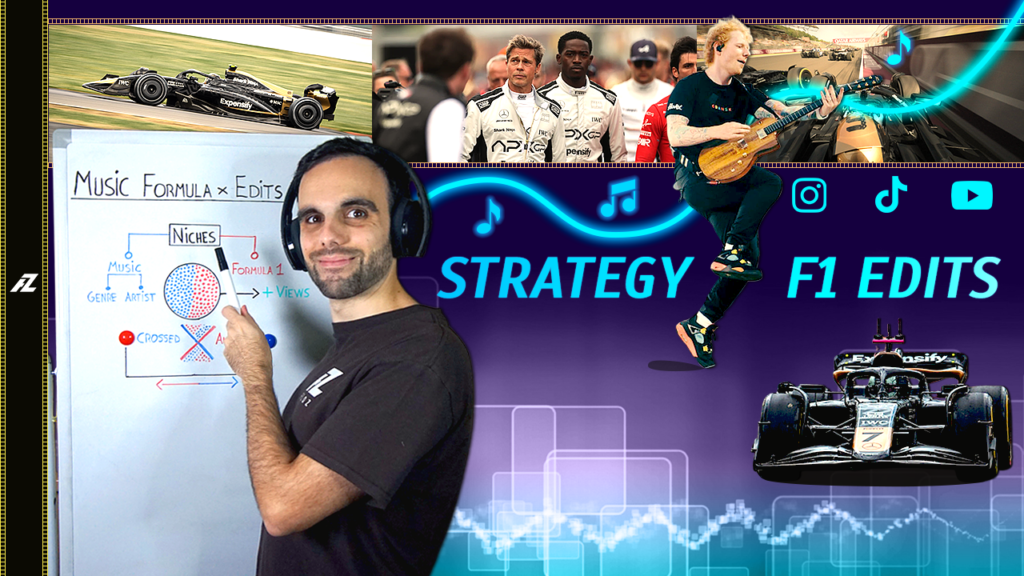
Learn how to use popular songs in your F1 music video edits in the most effective way. Thanks to the strategy I will explain in this video you will able to make much better F1 edits with music, understanding the potential you can extract from the metrics of the YouTube algorithm to find new fans that will fall in love after watching your Formula One videos.